
Table of Contents
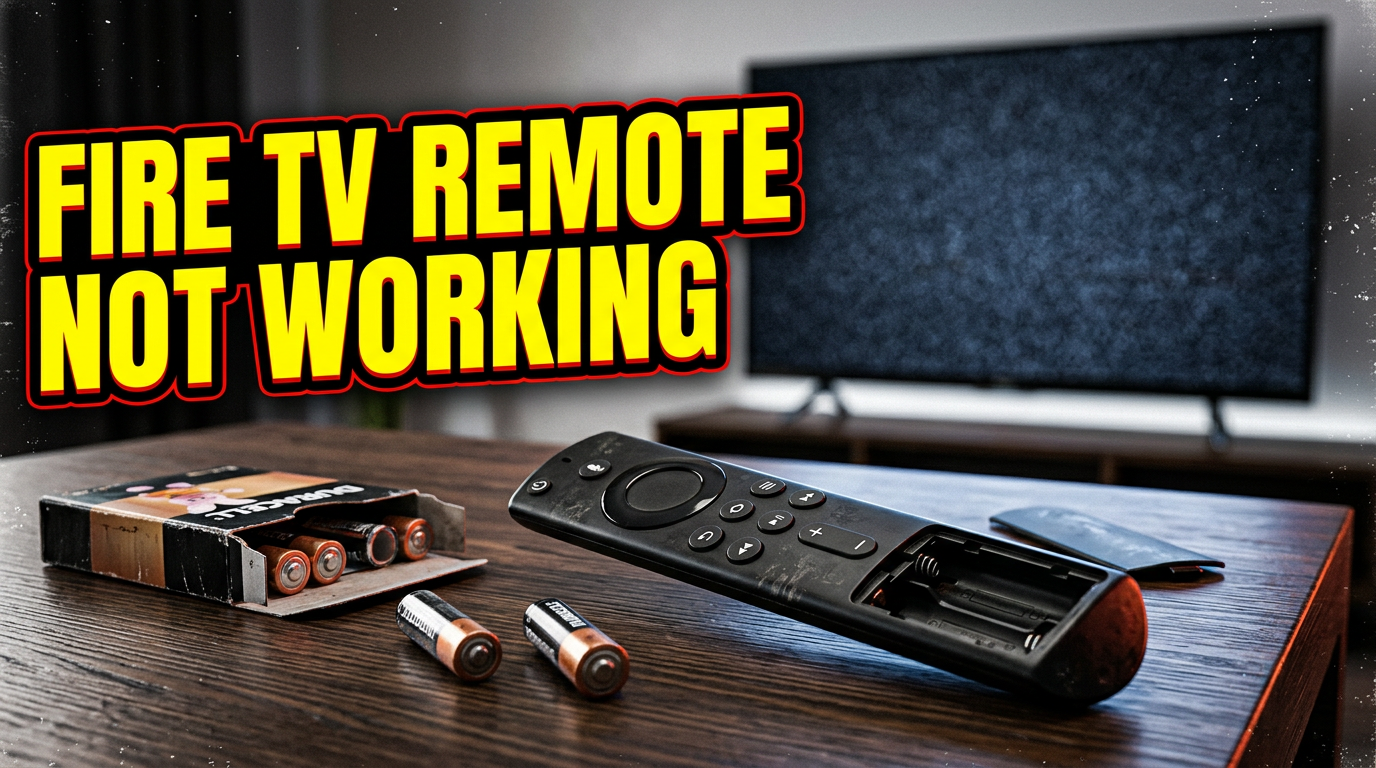
Introduction: Fire TV Remote Not Working
Personally, I haven’t used television in a long time, especially since we have the internet now, but despite that, I understand how frustrating it can be when your remote suddenly stops working. That’s why in this article I’m going to show you how to fix a Fire TV remote that isn’t working.
Many users experience this problem at some point. Sometimes the remote stops responding completely, while other times only certain buttons stop working.
Fortunately, most Fire TV remote problems are easy to fix and do not require replacing the device immediately. In this guide, I’ll walk you through several simple solutions that can help get your remote working again.
Common Causes of This Problem
There are several reasons why a Fire TV remote may stop working.
Some common causes include:
- Dead batteries.
- Incorrect battery installation.
- Temporary connection problems.
- Pairing issues.
- Obstructions between the remote and the device.
- Software glitches.
In many cases, the solution is much simpler than people expect.
Step-by-Step Solution
Step 1: Replace the Batteries
Dead batteries are one of the most common causes of remote problems.
Remove the old batteries and install fresh ones.
Make sure the positive and negative ends are positioned correctly.
After replacing the batteries, test the remote again.
Step 2: Restart Your Fire TV Device
Temporary software problems can prevent the remote from responding.
Unplug your Fire TV device from the power outlet.
Wait about 60 seconds.
Plug it back in and allow the device to restart completely.
Step 3: Move Closer to the Fire TV
Bluetooth remotes can sometimes lose connection if you are too far away.
Move closer to the television and try pressing several buttons again.
Step 4: Re-Pair the Remote
Sometimes the remote loses its connection to the Fire TV.
Press and hold the Home button for about 10 seconds.
Wait for the pairing process to finish.
Once connected, test the remote again.
Step 5: Remove Any Obstructions
Large objects and electronic interference can sometimes affect the signal.
Make sure there is nothing blocking the connection between the remote and the Fire TV device.
Step 6: Check for Software Updates
Outdated software can occasionally cause compatibility problems.
Open Settings on your Fire TV.
Go to:
Settings → My Fire TV → About → Check for Updates.
Install any available updates.
Step 7: Use the Fire TV App Temporarily
If the physical remote still does not work, you can use the Fire TV mobile app as a temporary solution.
This allows you to control your Fire TV until the problem is resolved.
Additional Solutions
Restart Your Wi-Fi Router
Connection issues can sometimes affect Fire TV performance.
Restarting the router may help.
Remove Battery Corrosion
Inspect the battery compartment carefully.
If you notice corrosion, clean it gently before installing new batteries.
Try Another Compatible Remote
If available, test another Fire TV remote to determine whether the problem comes from the original remote.
Common Mistakes to Avoid
- Reusing old batteries.
- Installing batteries incorrectly.
- Standing too far from the device.
- Forgetting to pair the remote again.
- Ignoring software updates.
- Assuming the remote is permanently damaged immediately.
Frequently Asked Questions
Why is my Fire TV remote not working?
The most common causes are dead batteries, pairing problems, or temporary software issues.
How do I fix my Fire TV remote quickly?
Start by replacing the batteries and restarting the Fire TV device.
Do I need technical skills to solve this problem?
No. Most solutions are simple and beginner-friendly.
Can this problem happen again?
Yes. Battery problems and connection issues can happen over time.
Is it safe to reset or re-pair the remote?
Yes. These procedures are completely safe and are recommended by many troubleshooting guides.
Conclusion
A Fire TV remote that stops working does not always mean you need to buy a new one. In most cases, simple solutions like replacing the batteries, restarting the device, or pairing the remote again are enough to solve the problem.
Follow the steps one by one and test the remote after each solution.
Once you follow these steps, the problem should be fixed.